Cross stitch
For 11, 14, 16 or 18 count Aida, with every color matched to DMC floss and skein estimates.
Up to 60 DMC colorsStitch pattern maker for Android
Pick a photo of your dog, your house or your kid’s drawing. Gingham charts it as cross stitch with real DMC thread numbers, or as a crochet graphgan, a knitting chart, an alpha bracelet or a fuse bead pattern. You see the whole pattern before you pay for anything.
An app for Android phones, with real DMC thread numbers. No account. Your photos never leave your phone.
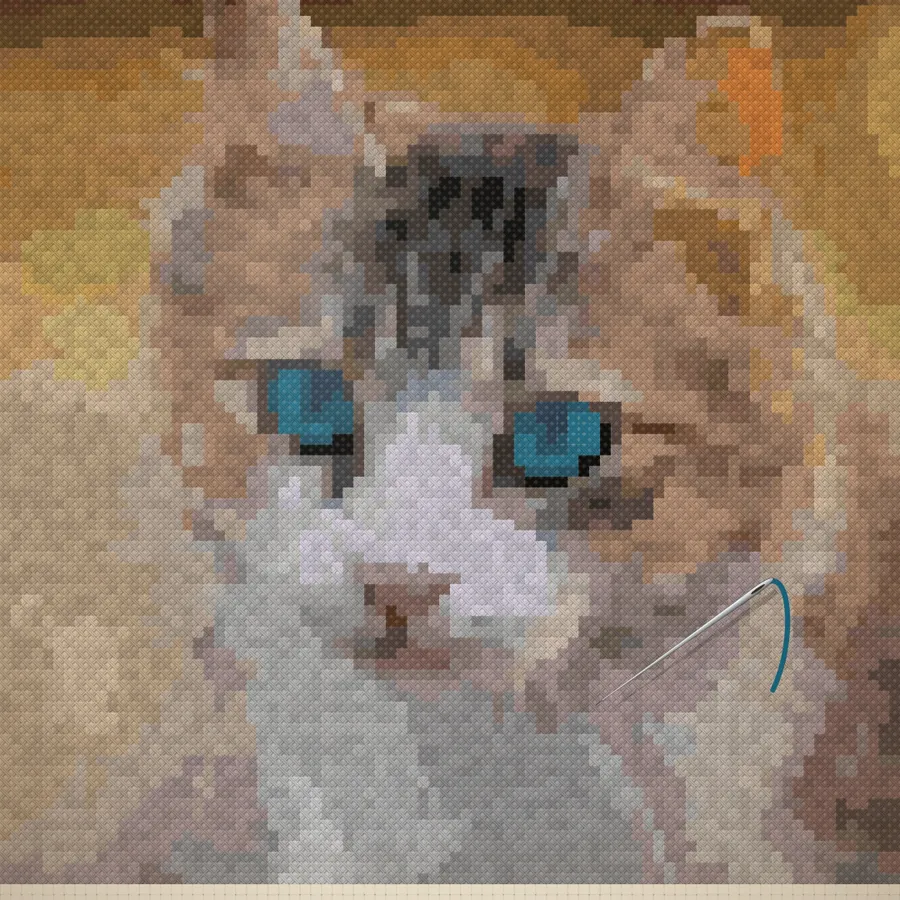
Keep scrolling · stitches illustrated
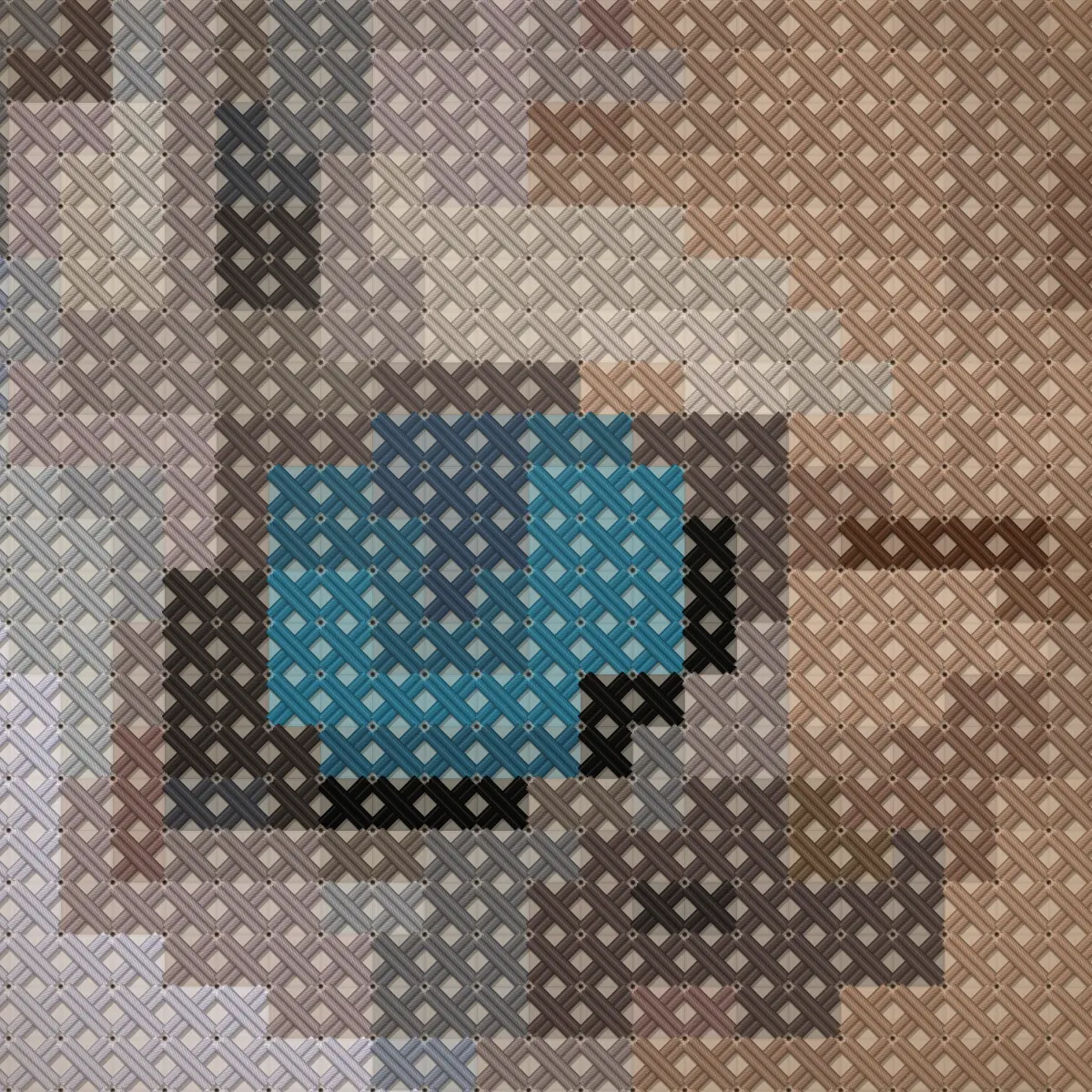
7,056 stitches. 40 colors.An 84 × 84 chart for 14-count Aida, from one photo. This hoop crops its corners; to frame the whole design you’d go a size up.
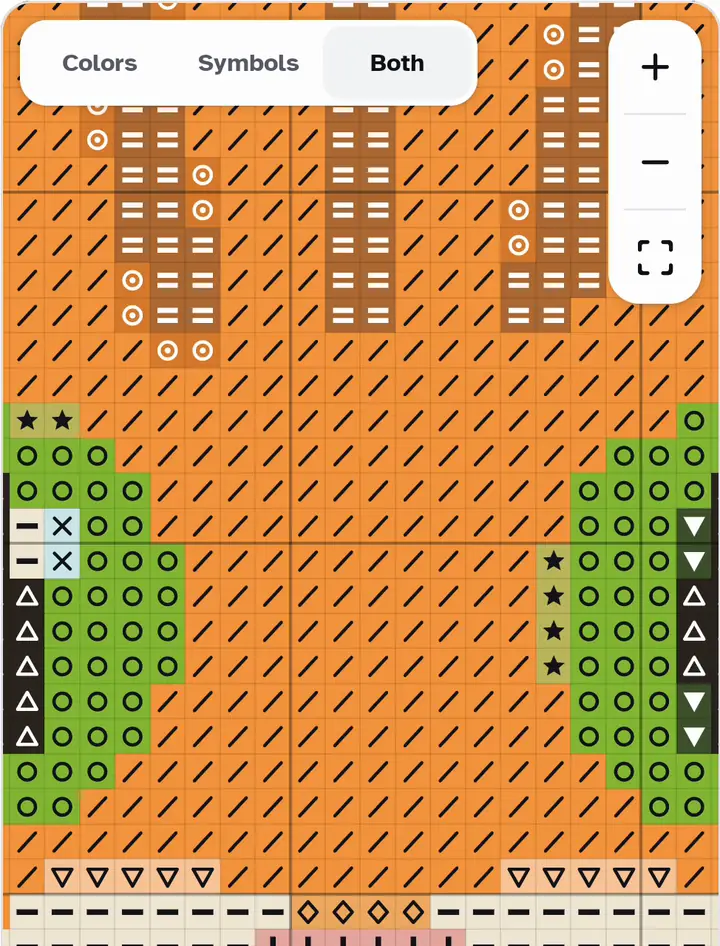
Zoom in as far as you need.In the app you go from the whole design down to a single cell, at any time.
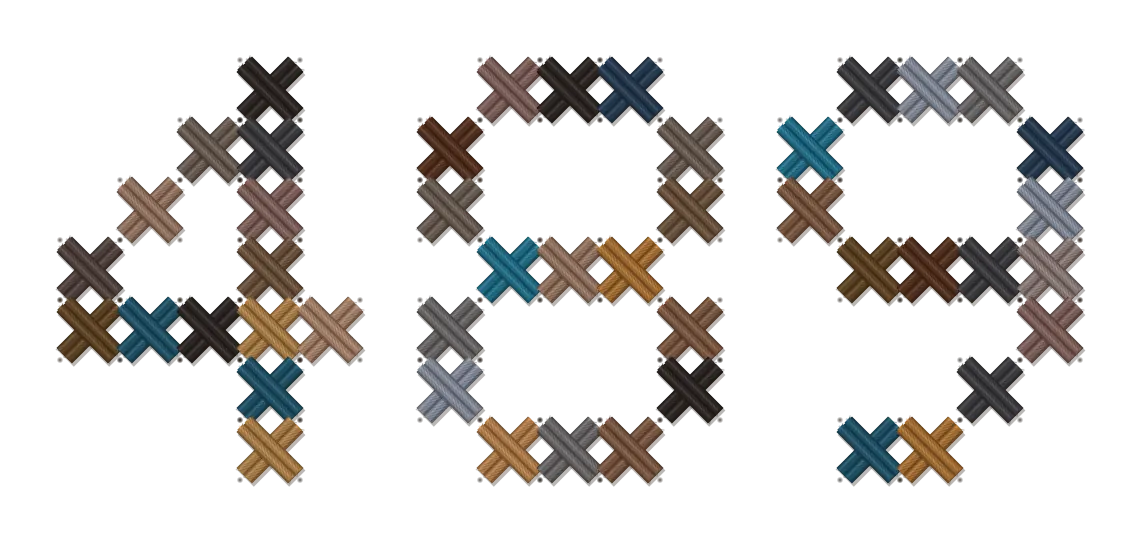
And its own thread.Every color on the chart is a real DMC number you can buy.
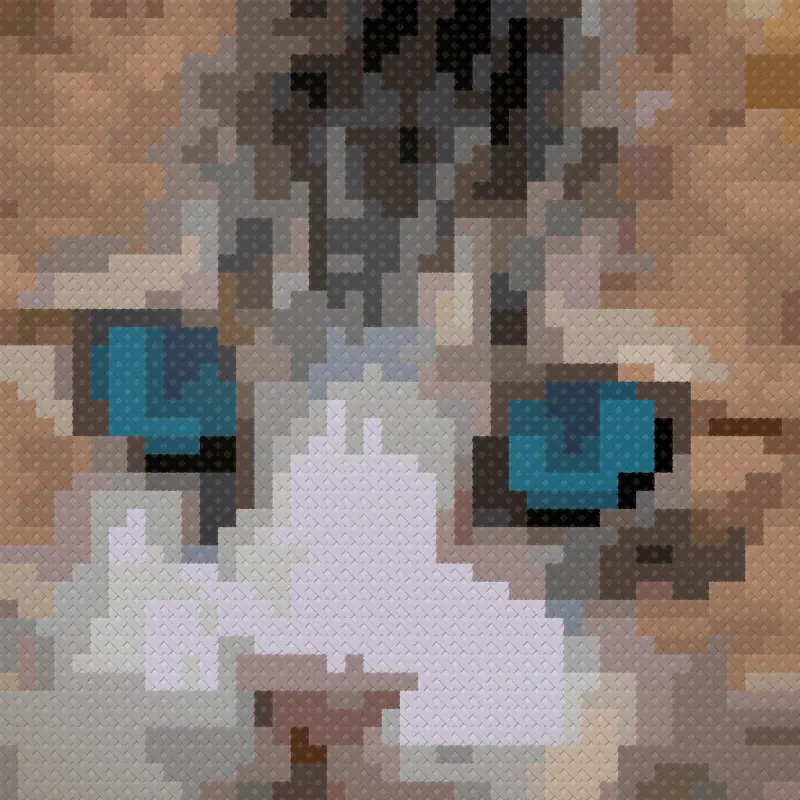
This one is DMC 806.One stitch in the kitten’s eye. Gingham gives you its place and its thread number; this close-up is an illustration of what you’ll make.806 · Peacock Blue Dark
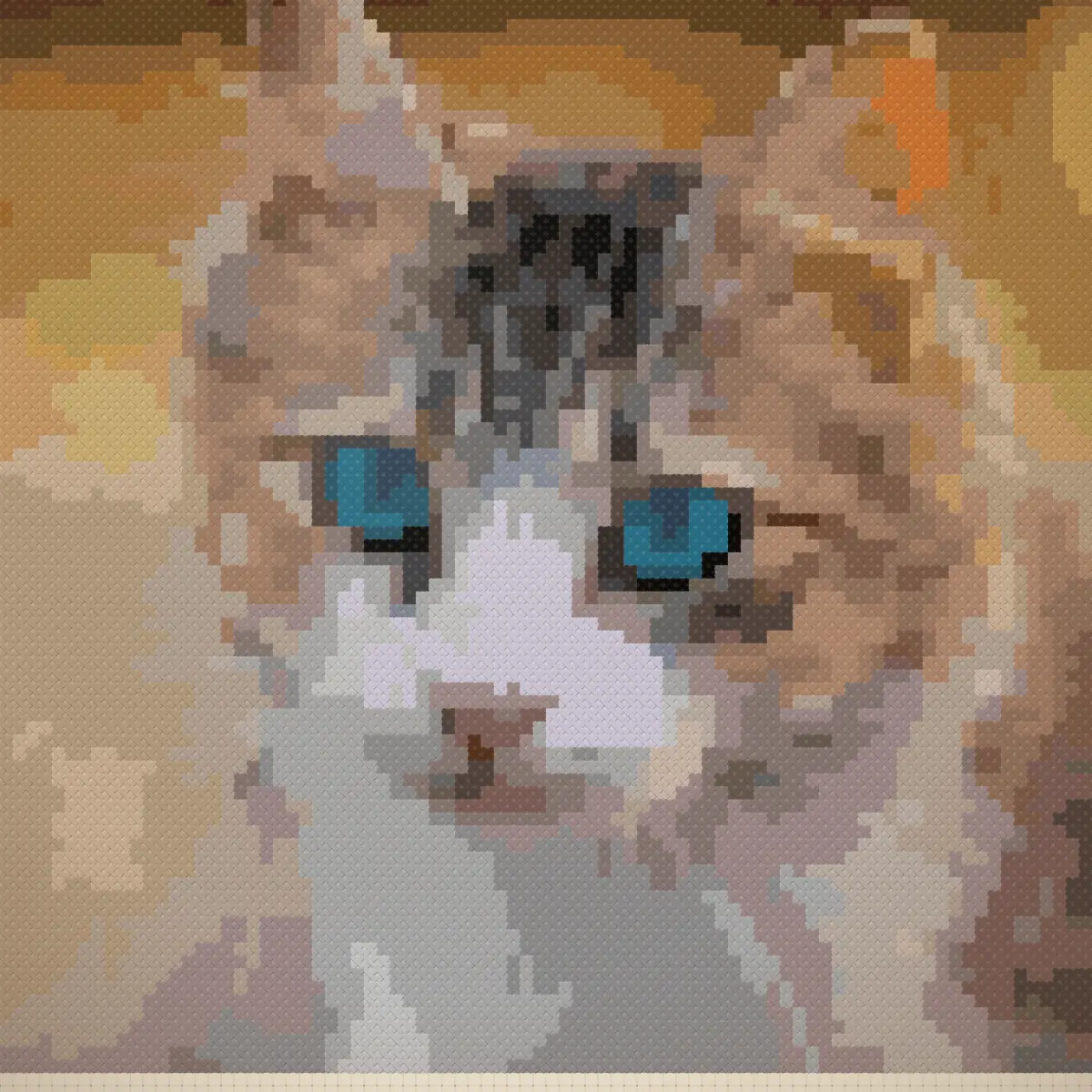
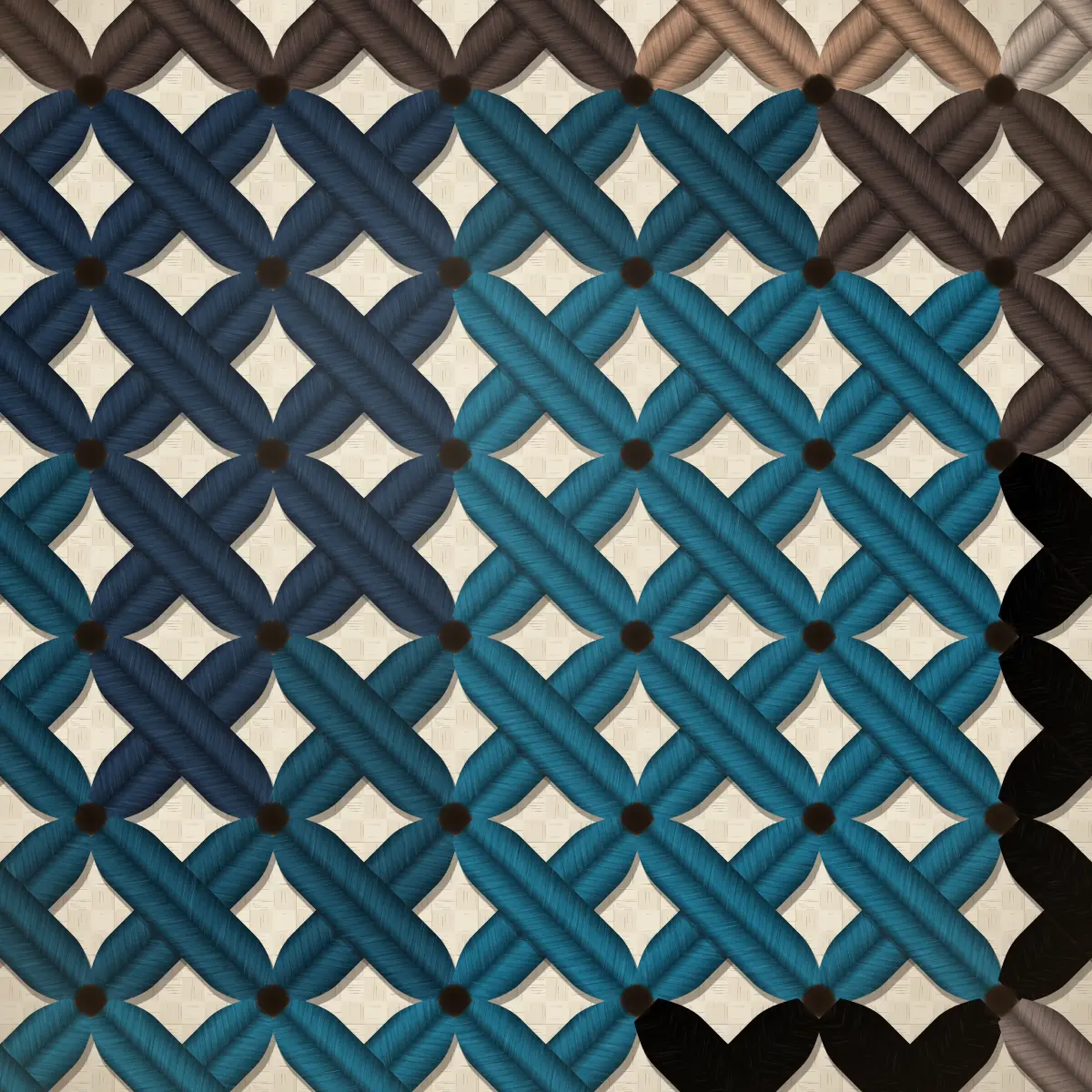
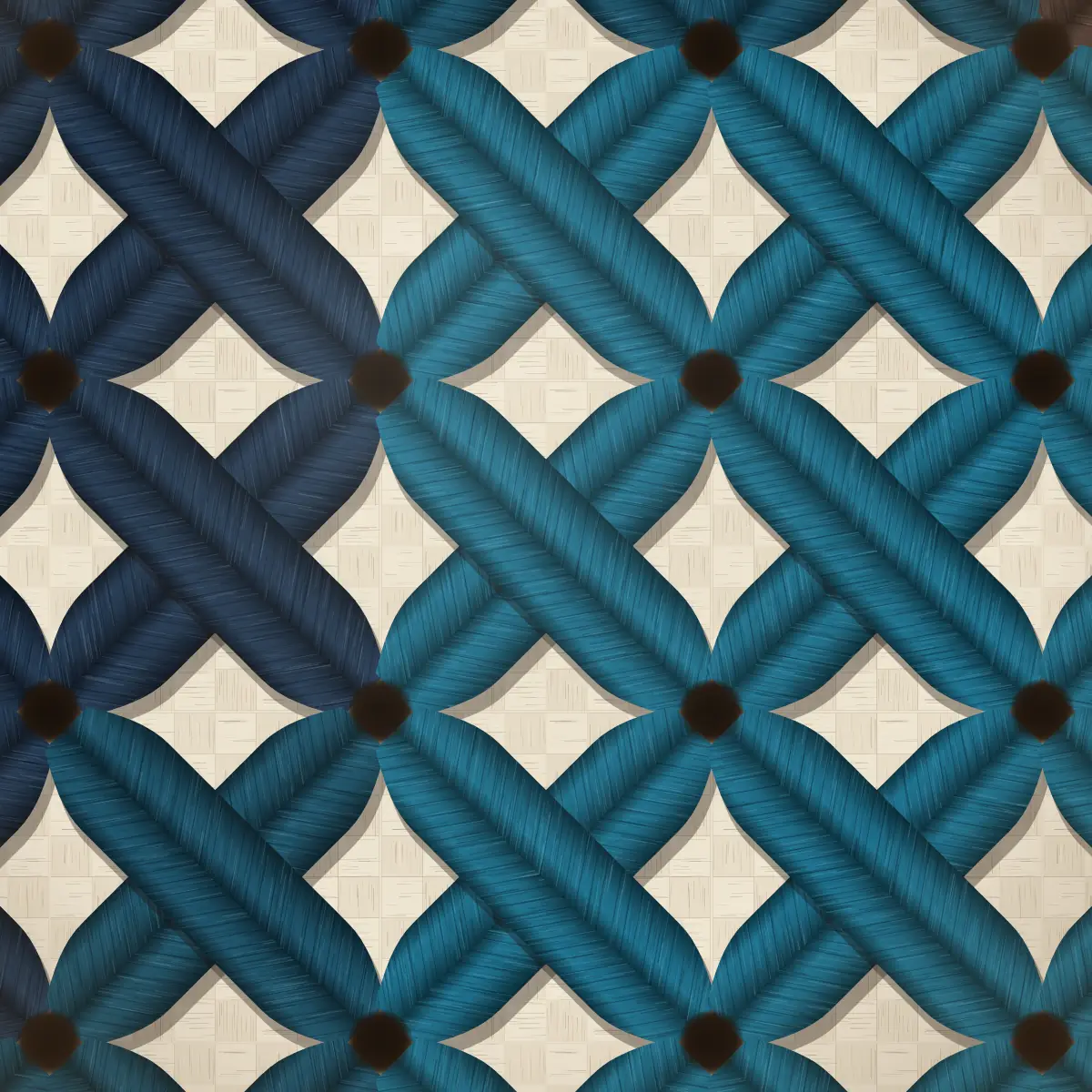
Too many pattern makers show you four sample designs and ask for money before you can try your own photo. Gingham does it the other way round. You make the pattern from your photo, zoom into every stitch and read the shopping list, at full quality and with no watermark.
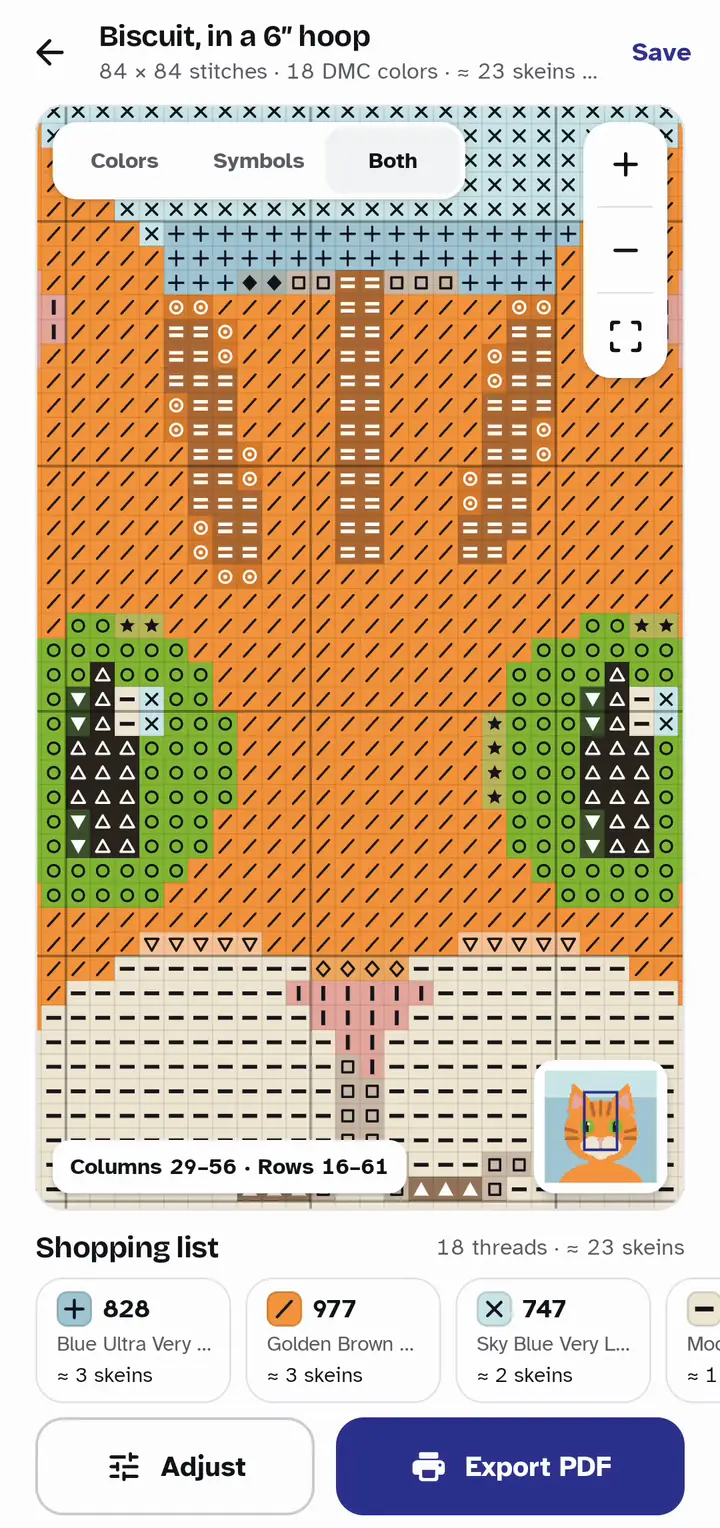
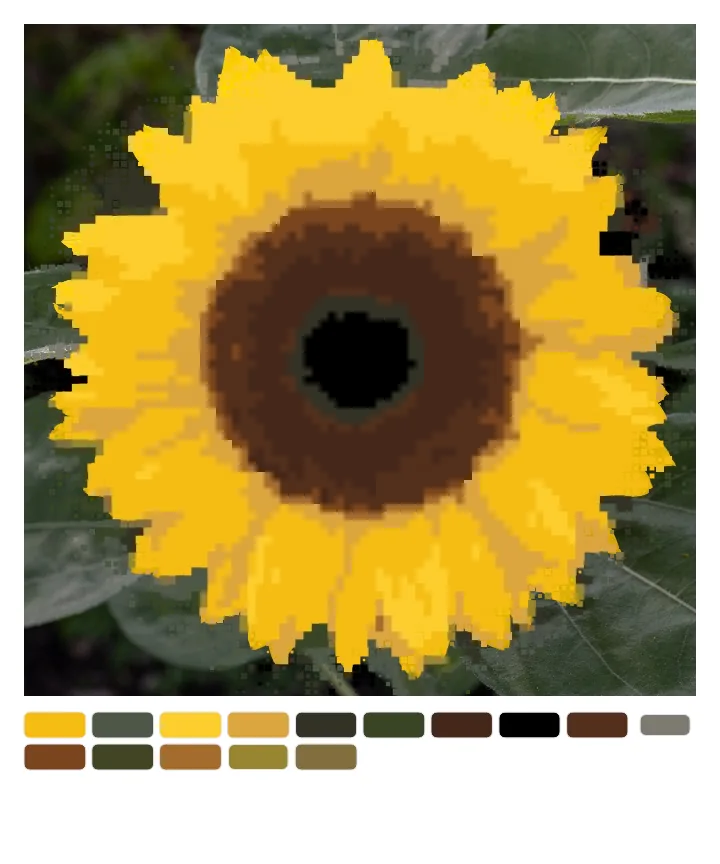
A cat, a house and a sunflower, each charted by the same converter that is in the app. How well a photo converts depends on the photo. Fine detail simplifies, so you can change the size and the number of colors until it looks right.

Colored cells, black symbols on a pale tint, or both at once, with a bold line every ten stitches. Zoom from the whole design down to a single stitch, and switch views at any zoom.
Every thread or bead color comes with its code, its name and how much to buy: approximate skeins for floss, an exact count for beads. Tap a color and it lights up on the chart.
| Symbol and color | DMC | Name | To buy |
|---|---|---|---|
| 828 | Blue Ultra Very Light | ≈ 3 skeins | |
| 977 | Golden Brown Light | ≈ 3 skeins | |
| 747 | Sky Blue Very Light | ≈ 2 skeins | |
| 3866 | Mocha Brown Ultra Very Light | ≈ 1 skein | |
| 152 | Shell Pink Medium Light | ≈ 1 skein | |
| 435 | Brown Very Light | ≈ 1 skein | |
| 704 | Chartreuse Bright | ≈ 1 skein | |
| 976 | Golden Brown Medium | ≈ 1 skein | |
| 453 | Shell Grey Light | ≈ 1 skein | |
| 3371 | Black Brown | ≈ 1 skein | |
| 945 | Tawny Medium | ≈ 1 skein | |
| 3827 | Golden Brown Pale | ≈ 1 skein | |
| 472 | Avocado Green Ultra Light | ≈ 1 skein | |
| 758 | Terra Cotta Very Light | ≈ 1 skein | |
| 437 | Tan Light | ≈ 1 skein | |
| 3863 | Mocha Beige Medium | ≈ 1 skein | |
| 3345 | Hunter Green Dark | ≈ 1 skein | |
| 928 | Grey Green Very Light | ≈ 1 skein | |
| 18 DMC colors · 7,056 stitches · ≈ 23 skeins | |||
Switch crafts at any time and the photo becomes a new pattern, with the grid, palette and color key that craft needs.
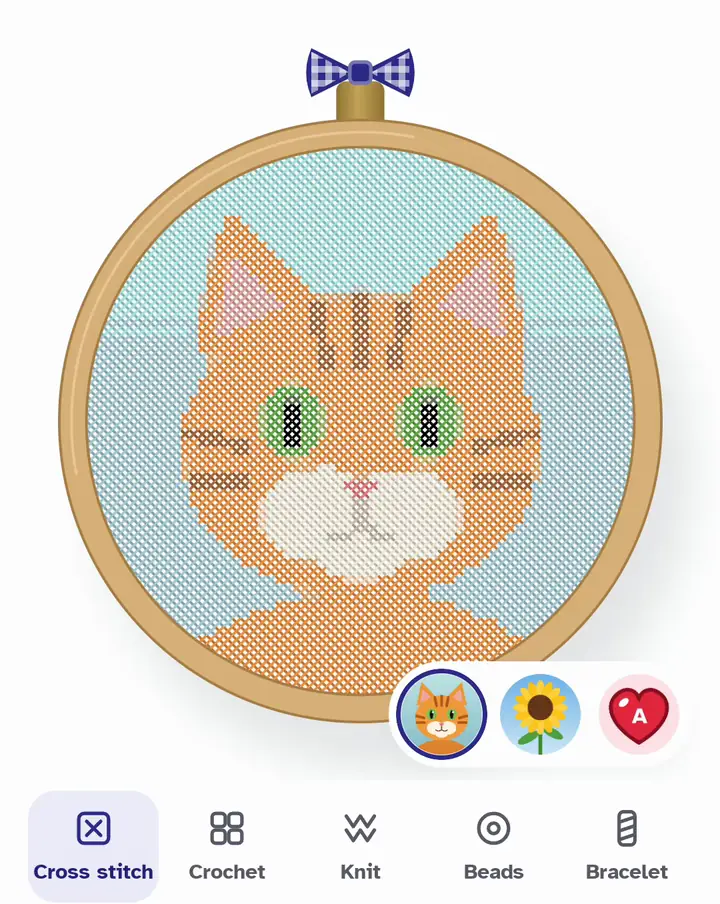
For 11, 14, 16 or 18 count Aida, with every color matched to DMC floss and skein estimates.
Up to 60 DMC colors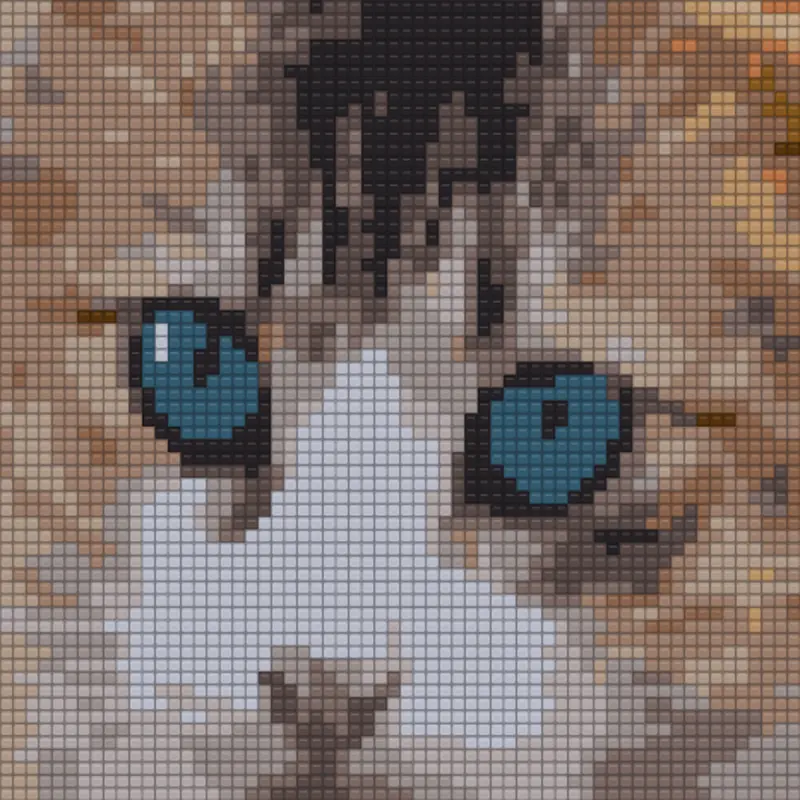
A graphgan for tapestry crochet pillows, baby blankets and throws, in your own yarn.
Up to 16 colors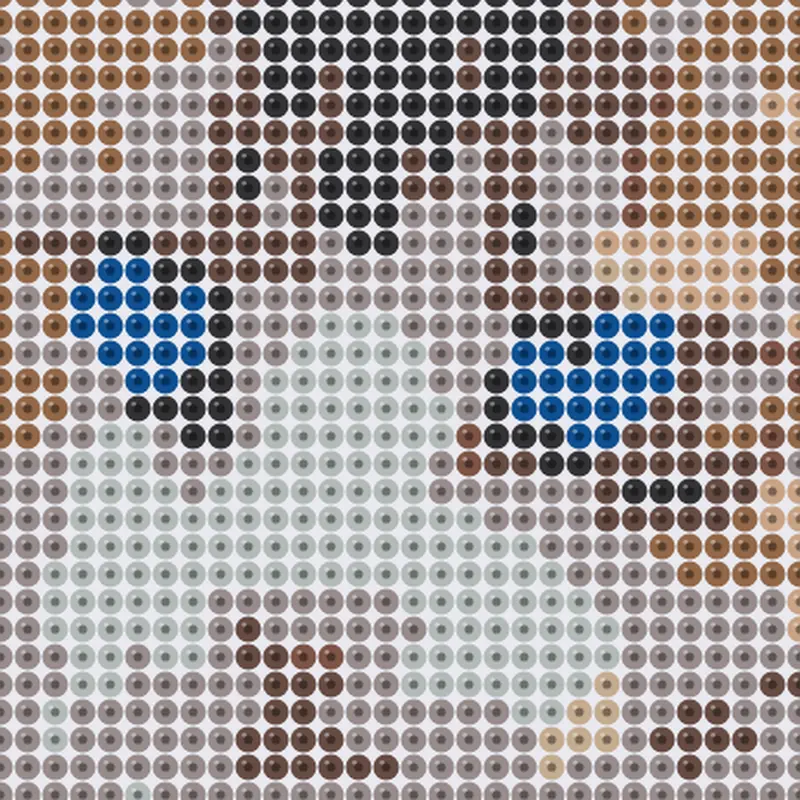
One 29 × 29 pegboard or bigger, in Perler, Hama midi or Artkal S colors.
Up to 40 bead colors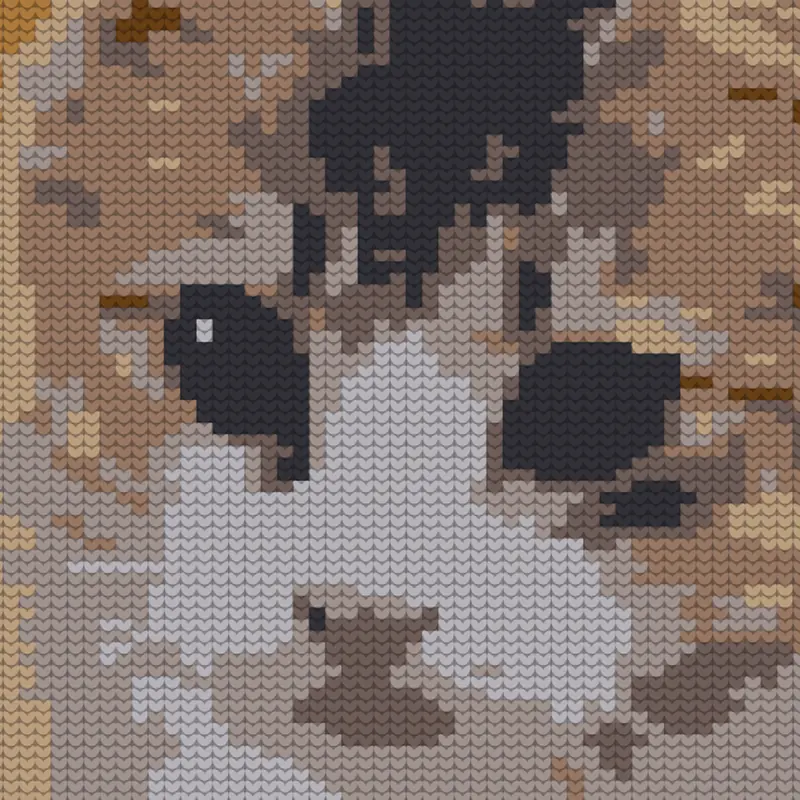
A knitting chart whose cells are wider than tall, like real stitches, so the chart looks like the knitted piece.
Up to 8 colors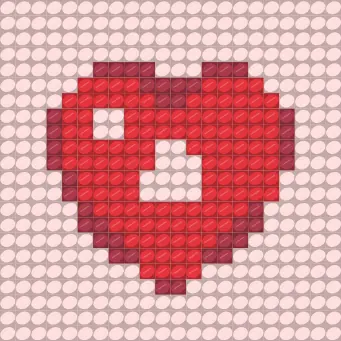
An alpha pattern from 10 to 22 columns, as long as your image. A bold heart makes a lovely first try.
Up to 12 colorsBiscuit the cat, a sunflower and a bold heart ship with the app, so you can try every craft before picking a photo of your own.
The conversion runs on the device. Your photos are never uploaded and there is no account to create. Pictures come in through Android’s photo picker, so there is no photo or storage permission to grant. The only things that leave the phone are the purchase itself, through Google Play, and anonymous usage analytics.
There are two other ways to turn a photo into a pattern: a free converter in your browser, or a cross stitch app you buy once.
| Feature | Gingham | Free web converters | Buy-once stitch apps |
|---|---|---|---|
| An app on your Android phonePick from your gallery, read it on the sofa. | Yes | In a browser | Yes |
| Crochet, knitting, bracelets and beadsFive grid crafts from the same photo. | Yes | Mostly cross stitch | Cross stitch only |
| Real DMC floss colors | All 489 | Yes | Yes |
| Anchor and other floss brands | No | Some | Yes |
| Your whole pattern before paying | Yes | Yes | Varies |
| Printable PDF with symbols and a key | With Pro | Varies; some charge per PDF | Yes |
| Backstitch, half stitches, editing single stitches | No | Some | Yes |
| Progress tracking while you stitch | No | No | Not checked |
| How you pay | Free trial, then weekly or yearly | Free to use; some sell the PDF | One-time purchase |
One app for five crafts, made for the phone, with the full pattern from your own photo before you pay. Crochet graphgans, knitting colorwork and alpha bracelets are crafts most converters don’t make at all.
If you want backstitch, fractional stitches, cell-by-cell editing and progress tracking for cross stitch, a buy-once editor like Stitchly does more than Gingham. If you need a single quick chart on a computer, a free web converter may be all you need.
Something not answered here? Write to machadowg@gmail.com.
It is free to install, and free to make and inspect a full pattern from your own photo, at full quality and with no watermark. Saving, exporting the PDF or PNG and making more patterns need Gingham Pro, a weekly or yearly subscription that starts with a free trial for new subscribers. You can cancel in Google Play at any time.
No. The pattern is made on your phone and the photo never leaves it. There is no account, and the photo comes in through Android’s photo picker, so Gingham never asks for access to your gallery.
All 489 DMC floss colors for cross stitch, with skein estimates for 11, 14, 16 or 18 count Aida. Perler, Hama midi or Artkal S for fuse beads, with an exact bead count. Crochet and knitting use your own yarn, so each color gets a letter and a plain name. There is no Anchor palette yet.
Not today. Gingham does not add backstitch or fractional stitches, and you can’t paint single cells. You shape the result with the size, the number of colors, Bold or Detailed shading and Reduce confetti.
Bold subjects on plain backgrounds convert best: a pet against a plain wall, a flower, a simple drawing. Busy, dark photos need more colors and more stitches. The photo to cross stitch guide walks through the photo, the fabric count, the size and the number of colors.
Yes, with Gingham Pro: a PDF in Letter or A4 with a cover, the color key and numbered chart pages that overlap slightly so they line up. You can also share the chart as a PNG.
No. Gingham is on Android only, from Google Play.
An 84 × 84 chart is about 35 to 70 hours of stitching. That part is yours. Your first pattern takes a minute: pick a photo, see the whole thing, and decide afterwards.
Get it on Google Play